
Allow MCP servers as watch sources
Decide, for the whole tenant, whether members may make their own MCP servers a source for the watch tool (a watch source).
Once allowed, sessions can be told about changes in systems Agent Fleet does not watch out of the box, such as a ticket queue or an in-house deploy tool.
How it works
Section titled “How it works”| What you do | What happens on the members’ side |
|---|---|
| Leave it on “Block” (the initial state) | No member can make a server a watch source, and registered sources do not run |
| Switch to “Allow” | Members can turn “Watch source” on server by server |
| Switch back to “Block” | Within five minutes every source in the tenant stops. Members’ registrations are kept |
Once allowed, the workspace’s watch engine calls the servers members chose, at intervals. That puts code a member chose on the engine’s path, so it is off in every tenant until you allow it.
Switch it
Section titled “Switch it”- Open Operations → “Watch sources” in Tenant settings
- Press “Allow” or “Block”. It is saved when you press it
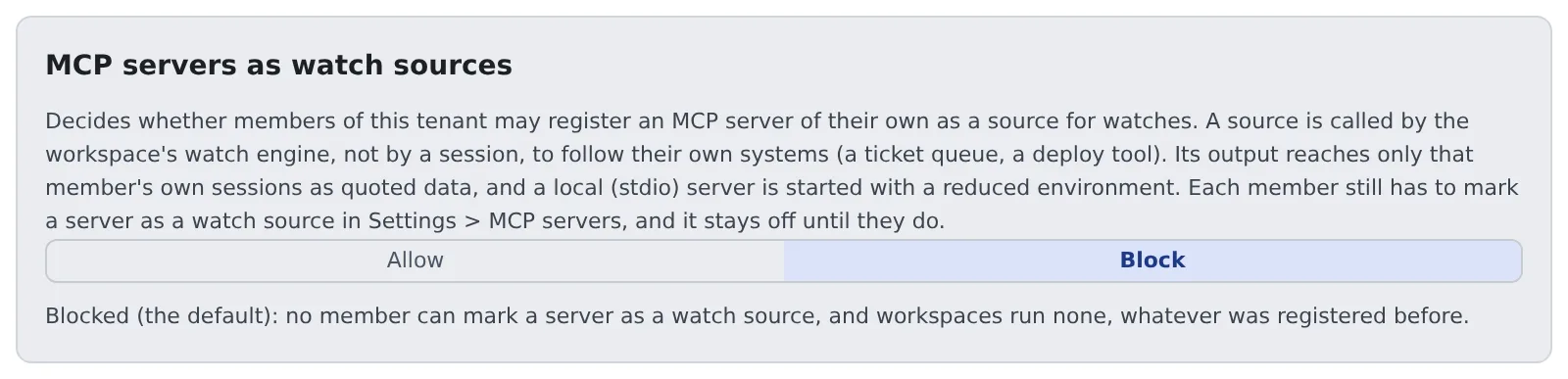
Allowing it changes nothing for anyone until a member chooses. Members turn on “Watch source” under Advanced → “Used by” for each server in ⚙ Settings → Connections → “MCP servers (used by sessions)”.
Each switch is recorded in the audit log as tenant.watch_sources, with enabled=true or enabled=false (Read the audit log).
Only tenant administrators and the deployment administrator can switch it.
What allowing it does not change
Section titled “What allowing it does not change”- Only servers a member registered themselves can be sources. Servers you distribute to the tenant cannot
- A source’s events reach only that member’s own sessions (or the member), as quoted data. They are not sent to other members, other workspaces or the Control Plane
- The workspace calls a source with at most 20 subjects at a time, each subject at most once a minute, and at most 10 seconds per call
- After five failures in a row, or 20 malformed replies in a row, the source pauses. It resumes when the member edits the server or enables it again
- A local (stdio) server starts not in the Agent’s environment but in a reduced one (
PATH,HOME,LANG,TMPDIRand the server’s own variables)
When you switch back to Block
Section titled “When you switch back to Block”- It reaches each workspace with the same five-minute fetch that distributed MCP servers use
- A server marked as a source keeps its mark and pauses. It resumes when you allow it again
- When the switch cannot be read, the workspace keeps the last answer it got. If it never got one, it runs nothing
Related
Section titled “Related”- Add an MCP server to your sessions: the member’s setting
- Tell a session about its pull request’s review: how the
watchtool is used - Distribute an MCP server to everyone