
Set the branch naming rules
Set, as the team’s default, the branch name and starting branch the launch dialog proposes when a member starts work from an issue. The rules only propose: a name that does not follow them is never refused.
How it works
Section titled “How it works”| What you do | What Agent Fleet does |
|---|---|
| Write the rules as JSON under Branch naming rules and save | Delivers them to every member’s workspace within five minutes |
| Fills the launch dialog with the branch name and starting branch the rules give | |
| Shows a note in the launch and rename dialogs for a name that does not fit |
Which rule is used
Section titled “Which rule is used”The rules come in four layers; the higher the layer, the stronger it is.
| Layer | Where the rule comes from |
|---|---|
| 1. Repository | What the repository declares itself (.agent-fleet/branches, git-flow, a Bitbucket branching model) |
| 2. Member | The template in the member’s own work-items settings, and their own rules |
| 3. Tenant | The rules on this screen |
| 4. Built-in default | {prefix}{ref}-{slug} off the current branch (for example feature/45-empty-list) |
The layers merge field by field.
- A repository that declares only where branches start keeps the name from the tenant’s rule
- A member who sets only a template keeps the starting branch from the tenant’s rule
The tenant’s rules are the team’s default; whatever a repository or a member decides for itself wins.
Write the rules
Section titled “Write the rules”- Open Tenant settings → Operations → Branch naming rules
- Write the rules in “Rules (a JSON list)”
- Press Save
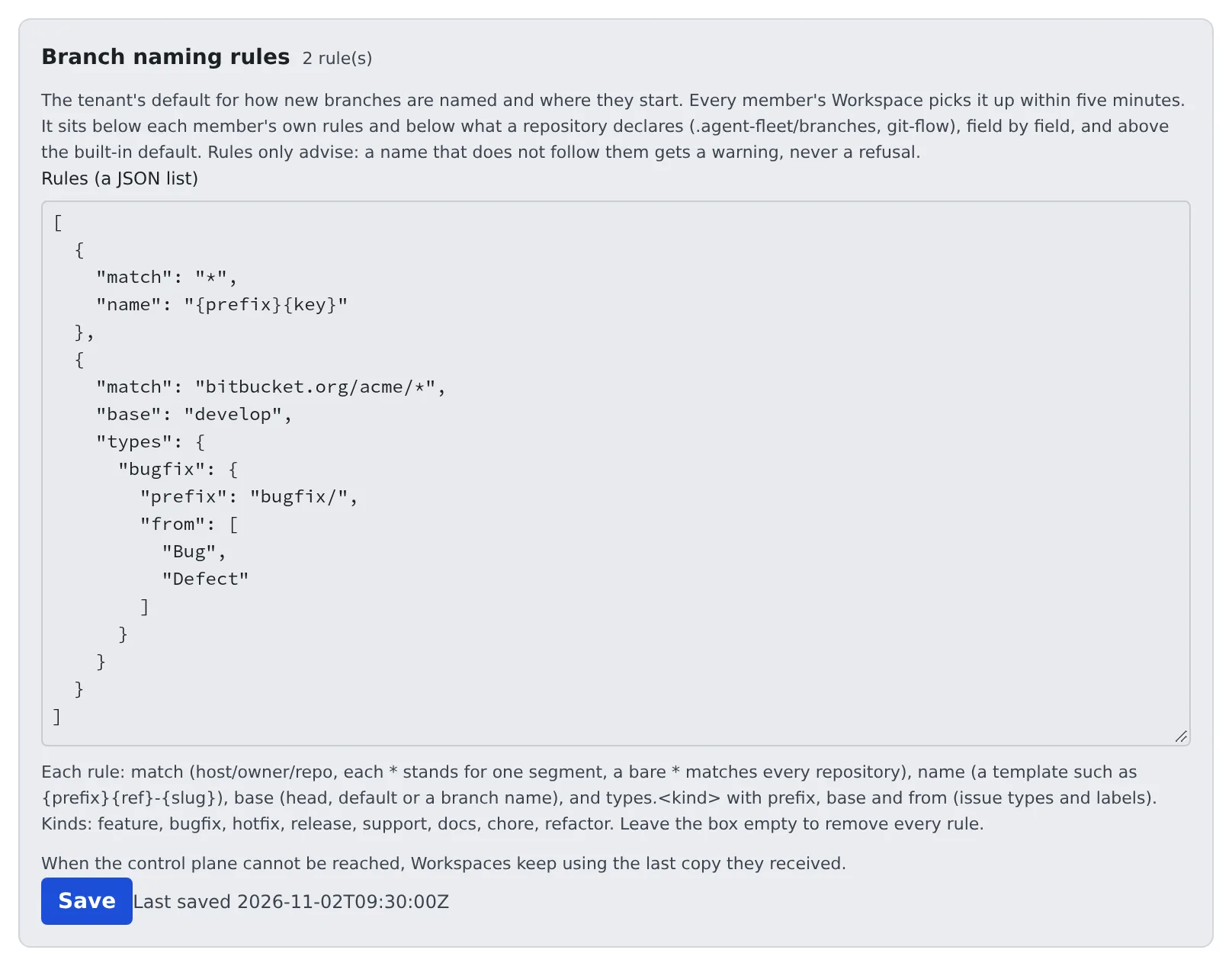
[ { "match": "*", "name": "{prefix}{key}" }, { "match": "bitbucket.org/acme/*", "base": "develop", "types": { "bugfix": { "prefix": "bugfix/", "from": ["Bug", "Defect"] } } }]Each rule has these fields. All except match may be left out.
| Field | Meaning |
|---|---|
match |
Which repositories: host/owner/repo from origin, where each * is one segment and a bare * is every repository. A more specific match wins |
name |
The name template (for example {prefix}{key} or {prefix}{ref}-{slug}) |
base |
Where branches start: head (the current branch), default (origin/HEAD) or a branch name such as develop |
types.<kind> |
Per-kind prefix, base and from (the issue types and labels that pick this kind) |
The kinds are feature, bugfix, hotfix, release, support, docs, chore and refactor.
- Saving checks every rule the way a member’s workspace will
- An unknown kind, a
baseorprefixgit would not accept as a branch name, or a misspelt field is reported with the rule’s number and the reason, and nothing is saved - Saving an empty box removes every rule
- Each save is recorded in the audit log as
tenant.branch_rules
When members get them
Section titled “When members get them”- Each member’s workspace asks for the rules when it starts and every five minutes after that, so running workspaces get a change within five minutes
- While the control plane cannot be reached, a workspace keeps using the last rules it received rather than going back to the built-in names
- In the launch dialog, a field that came from the tenant’s rules shows its source as
tenant: <match>
There is no setting that makes the rules binding. A name that does not follow them gets a note in the launch and rename dialogs, nothing more.