
Connect Kiro
Sign in with a Builder ID, Google, GitHub or a similar account and sessions can run Kiro (formerly the Amazon Q Developer CLI). With a Builder ID it is free.
How it works
Section titled “How it works”| What you do | What happens |
|---|---|
| Press “Install Kiro” once, the first time | The Kiro CLI is downloaded into your home |
| Sign in on the Kiro card and approve in the browser | kiro appears among the kinds of a new session |
| Press “Update Kiro” when a new version is out | Sessions started afterwards use the new version |
Install
Section titled “Install”The Kiro CLI is large (about 855 MB), so most deployments do not bake it into the workspace image.
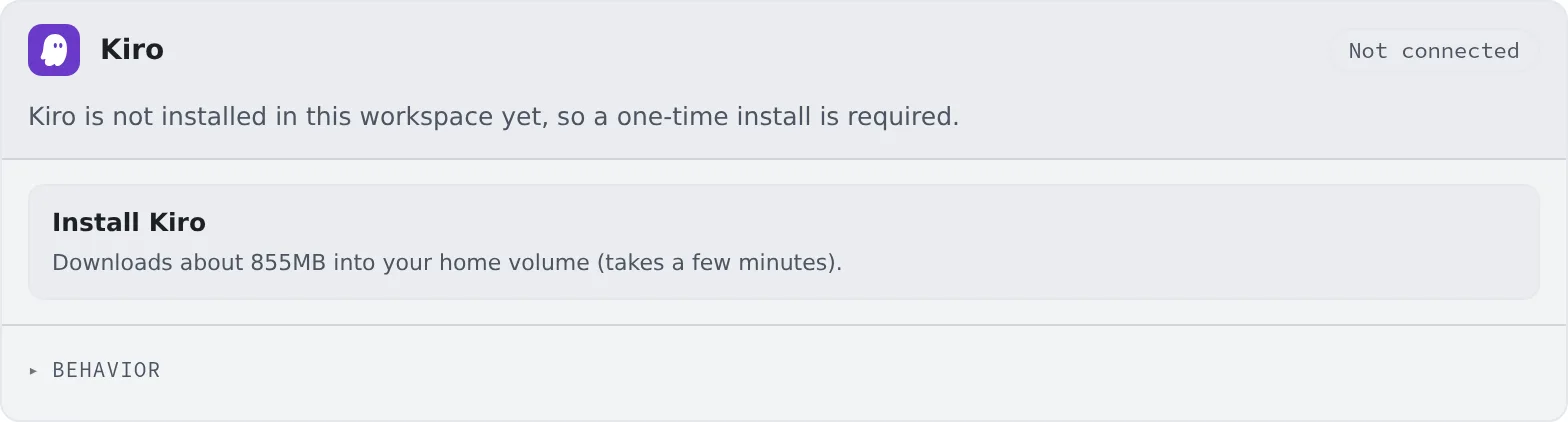
- Press “Install Kiro” on the Kiro card in ⚙Settings → Agents
- It downloads into your home. This takes a few minutes
- When it is done, the card switches to the sign-in screen by itself
A deployment that bakes Kiro into its image skips this step.
Connect
Section titled “Connect”- Press “Sign in to Kiro” on the card. An authorization link and a code appear
- Open the link in the browser, check the code and approve (Builder ID, Google, GitHub and so on)
The card shows the account’s email and “Connected”. An API key cannot connect it.
Update
Section titled “Update”When a newer pinned version exists, the card shows “A newer version is available” and “Update Kiro”.
- Until you press it, the installed version is used
- Running Kiro sessions keep going during the update. The new version applies from their next start
- A launch in Terminal (CLI) updates to the pinned version by itself when it starts
Behavior
Section titled “Behavior”The items under the card’s “Behavior” are the ones every agent shares. It has no RTK setting.
Good to know
Section titled “Good to know”- It runs in both Managed (the default) and Terminal (CLI)
- The models on offer are fetched from the account when you start. Even on the Free plan you can pick models by name, such as Claude Sonnet and Haiku, besides Auto
- There is no reasoning-effort picker
- A tool waiting for approval shows as “Question”, not as “Awaiting permission”
When it goes wrong
Section titled “When it goes wrong”“Install failed” appears
Section titled ““Install failed” appears”Check your connection and press “Install Kiro” again. Your home needs about 855 MB free (See your machine and its usage).