
Save a conversation as Markdown
Download a session’s whole conversation as a Markdown file. You choose from three how much of the tool calls goes in.
How it works
Section titled “How it works”| What you do | What happens |
|---|---|
| Choose an export in the session’s ⋯ menu | The workspace puts the whole conversation into Markdown, and the file downloads |
| Read it before you hand it on | Strings that look like tokens or passwords are already masked in it |
Export
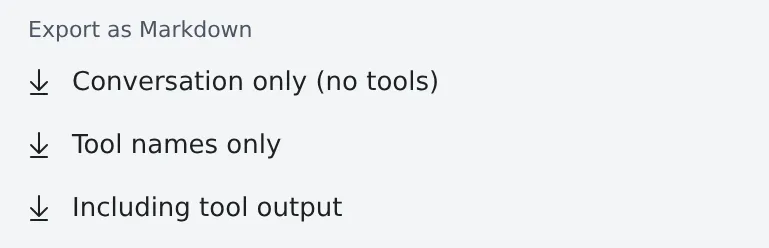
Section titled “Export”The ⋯ menu of any session that has a conversation offers three items under “Export as Markdown”.
| Item | What goes in |
|---|---|
| Conversation only (no tools) | What you and the agent said, asked and planned. No tool calls |
| Tool names only | The above, plus each tool call reduced to one line |
| Including tool output | The above, plus command output and edit diffs |
- The whole conversation goes in, not just the part the chat view has loaded
- Thinking and a subagent’s own exchanges are left out
- The workspace has to be running. The session itself may be stopped
The file
Section titled “The file”| Item | Contents |
|---|---|
| File name | <session>.md, or session.md when the name itself looks like a secret |
| Top | The session, the agent, the working folder, the branch and the export time |
| End | A question the agent is still waiting on |
| Times | The Time zone in ⚙ Settings → “Display” (by default your browser’s zone), the same as in the chat view |
| Language of the labels | The Console’s display language, not the browser’s |
Hand it on safely
Section titled “Hand it on safely”Strings that look like tokens or passwords are masked as [secret redacted].
The masking is a pattern match, though, and can miss something. Read the file before you share it.
When it goes wrong
Section titled “When it goes wrong”The export failed
Section titled “The export failed”The message says why (the error, or the HTTP status). If the workspace is stopped, start it and try again.
Related
Section titled “Related”- See what a session changed: the files it touched, as a list
- Read an answer in your own language: read an answer translated